Release notes

This is where I write down everything I change in Cleo: the big features and the small fixes. I update it whenever I ship something.

June 19, 2026

Weekly roundup
Cleo TrackNew

Cleo now checks your logs overnight

If you've ever wondered whether yesterday's entries look right, I built something to do that for you. A new overnight review flags anything that looks like a data mistake or a gap worth a second look.

Here's everything that landed in Cleo Track this week.
Overnight entry review

Every morning, Cleo quietly reviews the previous day's entries against the last eight days of patterns. If something looks off -- a gap longer than usual, an amount that seems like a unit mix-up, a stretch of logging that doesn't quite add up -- it surfaces it as a suggestion. You can tap through to see what it caught, dismiss it, or go fix the entry directly.

It's off by default for each child and available only on Cleo+. There's an "Analyze now" button in each child's settings if you'd rather run it on demand.

Nothing is changed automatically. It's a second pair of eyes, not an autocorrect.

Settings, reorganized

The settings page used to be one long scroll. It's now a navigation index: Account, Children, Family, Plan, and Notifications each live on their own page with a deep-linkable URL. Per-child settings got the same treatment, with Quick Log, Sharing, and Caregiver Links on their own subpages.

Your timezone is here now too. It auto-detects when you sign up and is editable anytime in Account settings.

Improved

  • Daily digest: The email notification is now one toggle instead of a master switch plus a sub-toggle. If you had it on, it's still on.
  • Feeding (iOS): The bottle amount stepper now matches your bottle size preset, so fewer taps to reach the right number.

Fixed

  • Sign-in: Some accounts were hitting a "too many requests" error at sign-in because a stale auth cookie was retrying in a loop. The root cause is patched. If you saw this error, it should be gone. Nothing you logged was affected.
  • Family (iOS): Fixed "Failed to fetch family" for some users with extra-precise database timestamps. Family members load correctly now.

Scott

Permalink →
Cleo PlanNew

Cleo now suggests your next move

When the week is full and you're not sure what to tackle next, that's what Actions is for. A new feed reads your family's meals, tasks, and grocery list and surfaces what to do next, with one tap to act.

Here's everything that landed in Cleo Plan this week.

Cleo Actions

A new Actions page (and a card on the dashboard) reads what's on your family's plate and surfaces suggested next steps. Each suggestion has an executor: copy an AI prompt to paste into Claude or ChatGPT, draft an email you can send in one tap, or pull up the grocery list as a full Instacart ordering prompt. Complete or dismiss any action, and the list updates as things change. Actions are linked to the specific tasks or grocery lists they're about, so tapping through takes you straight there.

Dietary preferences

Settings now has one plain-text field per family member. Add whatever fits: restrictions, preferences, the things people won't touch. Cleo folds these into AI suggestions for meals and actions, so it can take each person's needs into account rather than guessing.

Improved

  • Meals: AI meal suggestions now cover breakfast and lunch, not just dinner, and only propose meals that are still ahead in the day.
  • Meals: Tap any dish to open its detail page: nutrition, who's eating, when it was added, and a delete button that asks you to confirm first.
  • Grocery: The "Copy for LLM" button on a grocery list now produces a full Instacart ordering prompt you can paste into Claude or ChatGPT.
  • Grocery: New Grocery Stores page in settings. Add your family's stores and link each list to one.
  • Sign-in: If you're redirected to sign in while heading somewhere specific, you now return there after signing in instead of the dashboard.

Scott

Permalink →
Cleo ConnectNew

Text Cleo, and a smarter daily recap

Two big changes this week. You can now text Cleo in plain English to log entries, manage tasks, and check your grocery list. And the daily recap email was rebuilt from the inside out.

Here's everything that landed in Cleo Connect this week.

Text Cleo

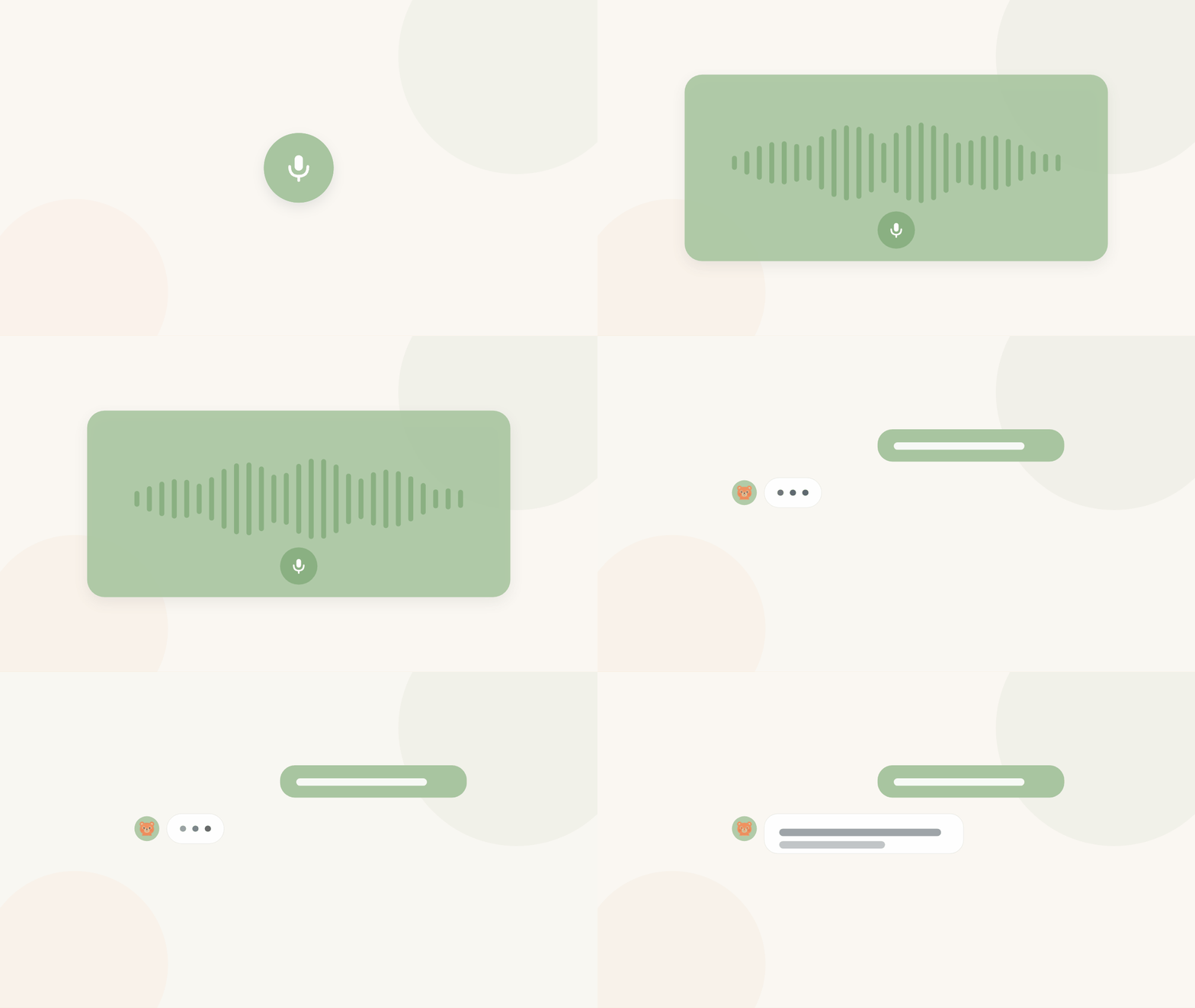
Verify a phone number in Connect settings and you can text Cleo the way you'd text a friend: log a feeding, see how many tasks are open this week, ask what's on the grocery list. Cleo drives the same tools as the AI connector, so anything you can do in Claude or ChatGPT with your Cleo data, you can now do over SMS.

Opt-in only: consent is captured when you add your number, and you can stop at any time by texting STOP.

The daily recap, rebuilt

The tracking section is now report-only. It tells you what was logged, not whether the amounts were "good" or "enough." For a young baby, if the totals look low for a full day, the recap notes that some entries were probably just not logged, rather than implying anything was off. That was a meaningful change to get right.

Looking forward, the email now leads with your active Cleo Plan Actions (suggested next steps) before the task list.

The email also has memory now. The last seven days of sent emails inform each new one, so the phrasing varies, it drops nudges you've clearly moved past, and it gradually adapts to what actually moves you to act.

Improved

  • Setup: Password reset is now a full branded flow: Forgot Password leads to a Cleo-hosted confirmation page, then a set-password screen. No more raw Supabase URLs.
  • Setup: Auth emails (signup, magic links, password resets) now say "Cleo Track" or "Cleo Plan" depending on which app triggered the send.

Scott

Permalink →
Cleo TrackNew

Nursing and pumping land in Track

Logging a nursing session in Cleo Track

Feeding isn't only bottles. You can now track nursing and pumping right alongside everything else, and a stack of smaller fixes makes the everyday smoother.

Here's everything that landed in Cleo Track this week.

Nursing and pumping

Start a nursing session and note the side, or log a pumping session with the amount, the same easy way you log a bottle. It all lands in the same timeline and the same daily summary, so the full feeding picture stays in one place instead of in your head.

Improved

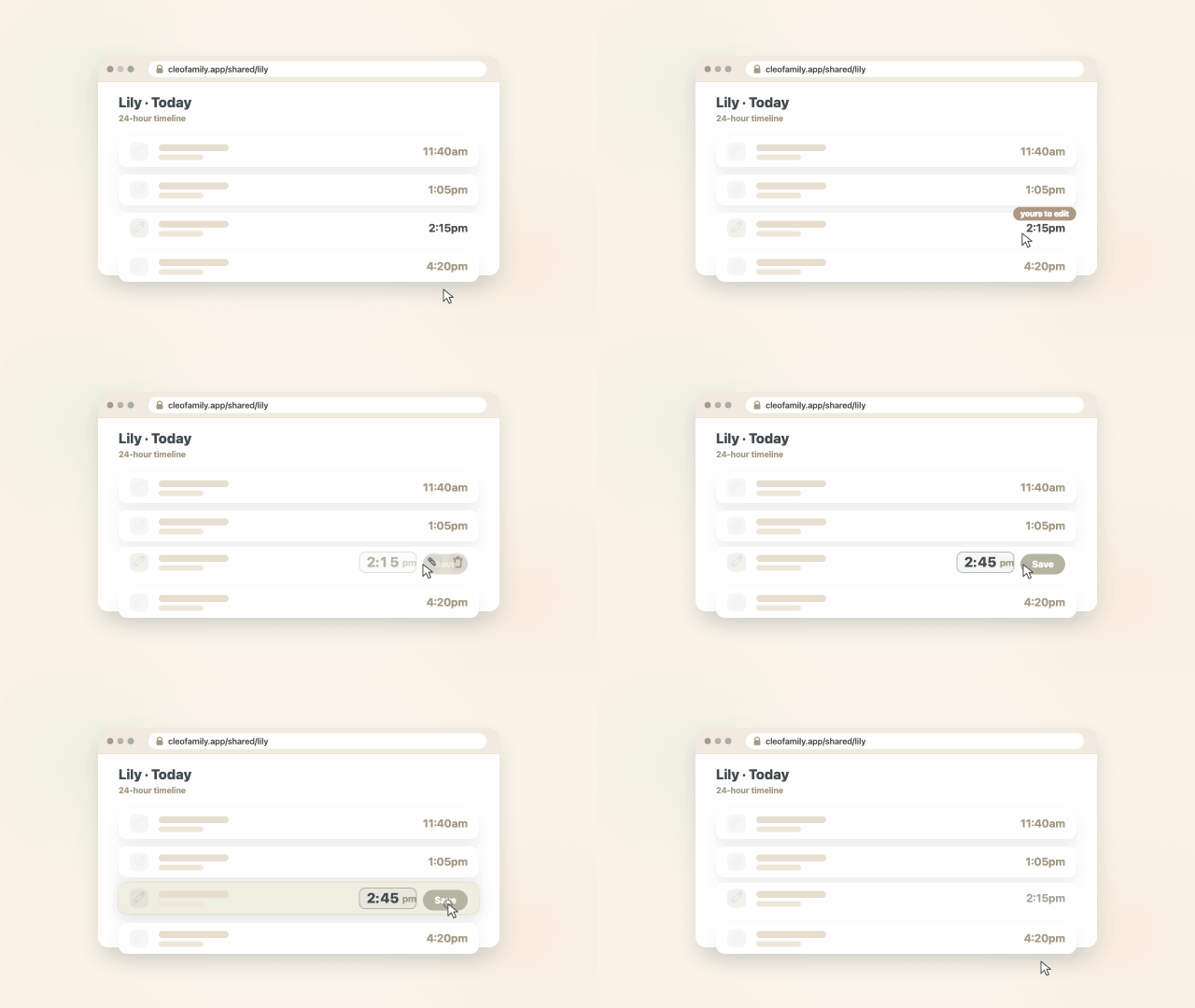
  • Logging: The quick time picker is now a single swipeable row, so setting a time is one motion.
  • Watch: The watch home screen has a cleaner grid layout, with the kid right in the header.
  • Sleep: You can mark a wake-up straight from the sleep Live Activity.
  • Feeding: An open bottle's end time now follows your last sip instead of when you closed it, so the timing reads true.

Fixed

  • Timeline: Filters no longer hide sparse entries, and the list keeps loading as you scroll.
  • Sync: I tracked down some quiet save failures so entries land every time. Nothing you logged was lost, this just makes sure it always reaches your other devices.
  • Watch: Tapping the watch widget now opens the sleep timer instead of the main page.

Scott

Permalink →
Cleo PlanNew

Links on your tasks

Adding links to a task in Cleo Plan

The recipe, the school form, the registry page. Now they can live on the task itself instead of in a note to yourself.

Here's what's new in Cleo Plan this week.

Links on your tasks

Open any task and add the links that belong with it: a title and a URL, plus a short description if it helps. They're one tap to open, and you can remove one anytime.

Fixed

  • Nutrition: If a calorie or protein estimate ever doesn't come back, there's now a small re-estimate button to try again. Your logged meal was never lost, it just needed another pass.
Permalink →
Cleo ConnectNew

Your day, in one short email

Turning on the Cleo daily recap email

Some mornings you just want to know how yesterday went without opening anything. Now Cleo can send you a short, plain summary once a day, if you want it.

Here's everything that landed in Cleo Connect this week.

The daily recap email

Turn on the daily recap and once a day I'll email you a calm rundown of what's been happening across Cleo Plan and Cleo Track: yesterday's meals and tasks, who handled what, and how the baby's day and night looked. It reads like a note from a friend who was paying attention, not a wall of numbers. It's off by default, you choose what it covers, and you can turn it off anytime from settings.

Improved

  • Privacy: The recap is built only from what you've already logged, and it's only ever sent to you. Nothing new is collected to make it.
  • Tools: You can add and remove links on a task right from your AI tool, and open bottles are available too, so you can start one or log a sip just by asking.

Fixed

  • Setup: Your link to Claude or ChatGPT no longer drops and asks you to sign in again. If you were stuck in that loop, remove the connector once and add it back, and it should hold from here on.

Scott

Permalink →

June 12, 2026

Weekly roundup
Cleo ConnectNew

Hello, Cleo Connect

Your family's data is yours, and now you can bring it to the AI tools you already use, on your terms, not by default.

Cleo Connect links your Cleo data to the LLM of your choice through one secure connector. Ask about the week's meals, add to the family list, or log a feeding right from Claude, ChatGPT, or anything that speaks MCP. You decide what to share: connect the tools you trust, and disconnect anytime.

Improved

  • Setup: One URL to connect. Paste it into your tool, sign in, and you're set.

Scott

Permalink →

June 5, 2026

Weekly roundup
Cleo PlanNew

Nutrition in plain words

"One hard-boiled egg" is enough. Log a meal the way you'd say it out loud, and let Cleo work out the rest.

Type what you ate in plain words and Cleo estimates the calories and protein in the background. Your daily totals add themselves up, and you can pull today's planned dishes straight into your log. Your nutrition log stays private. Meal plans are shared; what you eat is yours.

Scott

Permalink →

May 29, 2026

Weekly roundup
Cleo TrackNew

Open bottle tracking

If you've ever stood at the counter wondering whether a bottle is still good, this one's for you. Cleo now follows a bottle from the moment you open it, so you don't have to keep that math in your head.

Open a bottle once, then log each sip against it through the day. Cleo keeps track of how much is left and how long it's been open, so at 2pm you're not guessing whether the morning bottle is still okay.

Improved

  • Feeding: The bottle card shows time open and amount left at a glance, without tapping in.
  • Watch: You can log a sip against an open bottle right from your wrist.

Scott

Permalink →

May 22, 2026

Weekly roundup
Cleo PlanNew

Meet Cleo Plan

What's for dinner, and who's doing pickup? Cleo Plan puts the week's meals and to-dos in one place, so you're not holding it all in your head.

Plan the week's dinners on a simple grid, tap a family member onto any dish so everyone knows who's eating what, and keep the to-dos somewhere you can all see them. It's free on the web at plan.cleofamily.app.

Improved

  • Tasks: Family tasks are shared with everyone; personal tasks stay private to you.

Scott

Permalink →

May 15, 2026

Weekly roundup
Cleo RoutineNew

Twin Mode

Two kids, one screen, and no fighting over whose turn it is. A few of you with siblings close in age asked for this.

Twin Mode splits the screen into side-by-side checklists, so siblings run the routine together. Each kid checks off their own steps, and the confetti waits until both are done.

Scott

Permalink →

May 1, 2026

Weekly roundup
Cleo TrackNew

Insights and trends

A rough night makes a lot more sense when you can see the week behind it. Insights gives you a simple picture instead of a pile of logs.

Cleo+ now charts the last seven days of everything you track (feeds, sleep, diapers, and more), so you can spot the pattern instead of guessing at it.

Improved

  • Export: The pediatrician summary now includes any medicines from the past 48 hours, so nothing gets left off at a visit.

Scott

Permalink →