Cleo now lets you know when something's logged
You told Cleo you want to stay in the loop. Now it actually taps you on the shoulder, with a notification center and a push alert when someone else logs an entry, plus a pause button for when you need quiet. I also rebuilt Chat, now in beta, so you can talk or type to Cleo right from Track.
Here's everything that landed in Cleo Track over the last two weeks.

Stay in the loop
If your partner logs a feeding while you're out, or a caregiver checks in on a diaper change, you can now actually know about it. Turn on "Stay in the loop" in Settings and you'll get a push notification, batched into one summary if a few things happen close together so your phone doesn't buzz for every single entry. Everything also lands in a new notification center (the bell icon), so you can catch up later even if you missed the push.
Need quiet instead? A pause button lets you turn notifications off for a few hours, the rest of the day, the rest of the week, or a custom stretch, with no need to remember to turn it back on.
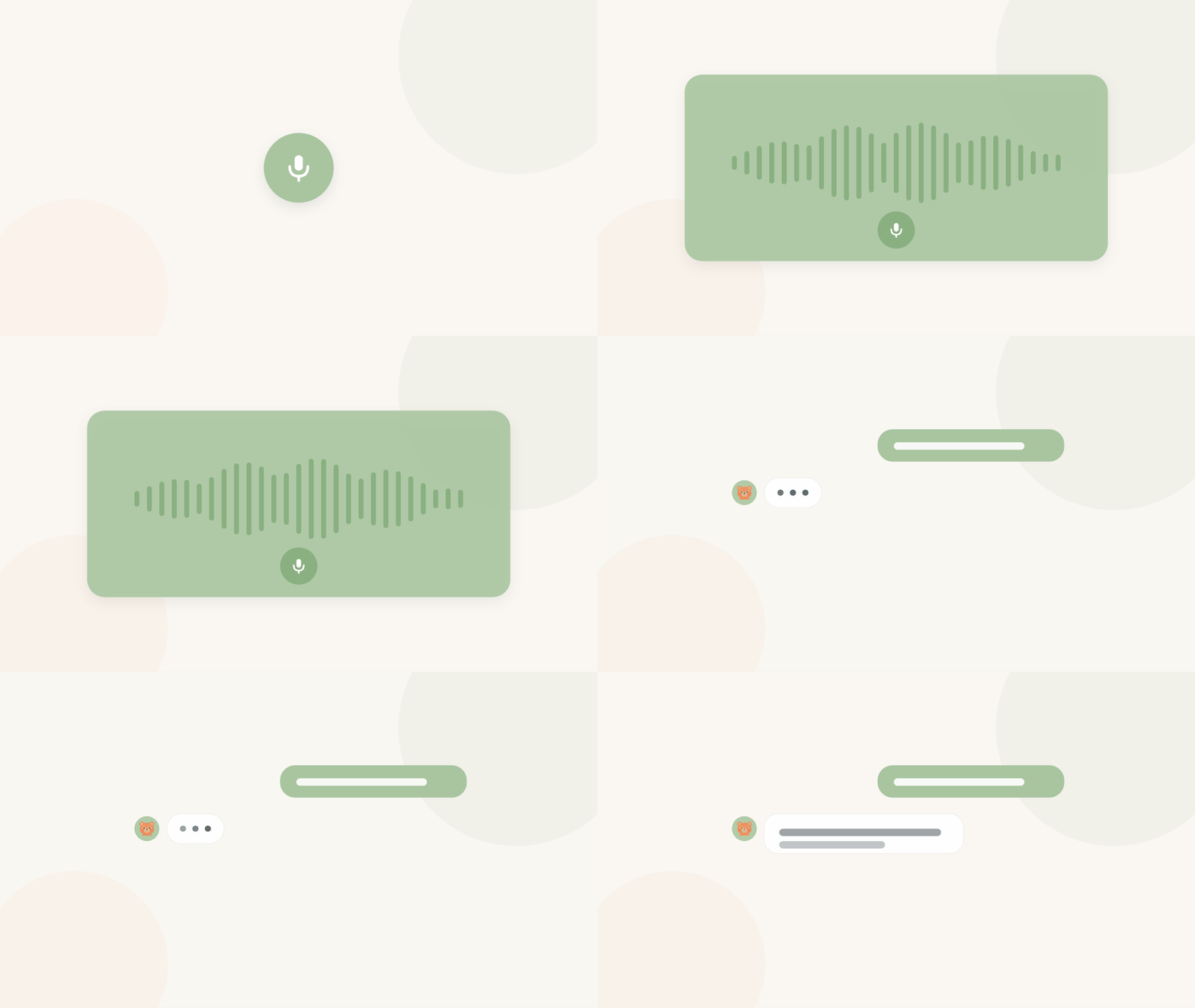
Chat: talk or type to Cleo (beta)
There's a new Chat tab, in beta for now. Type or talk, the same way you'd text a friend: "log a 4oz bottle," "when did she last nap?" It's the same assistant behind Text Cleo and the Cleo Voice app, so it remembers your conversation, shows quick action buttons for what it did, and asks you to confirm before anything gets deleted. Since it's still in beta, expect it to keep getting better, and tell me when something feels off.
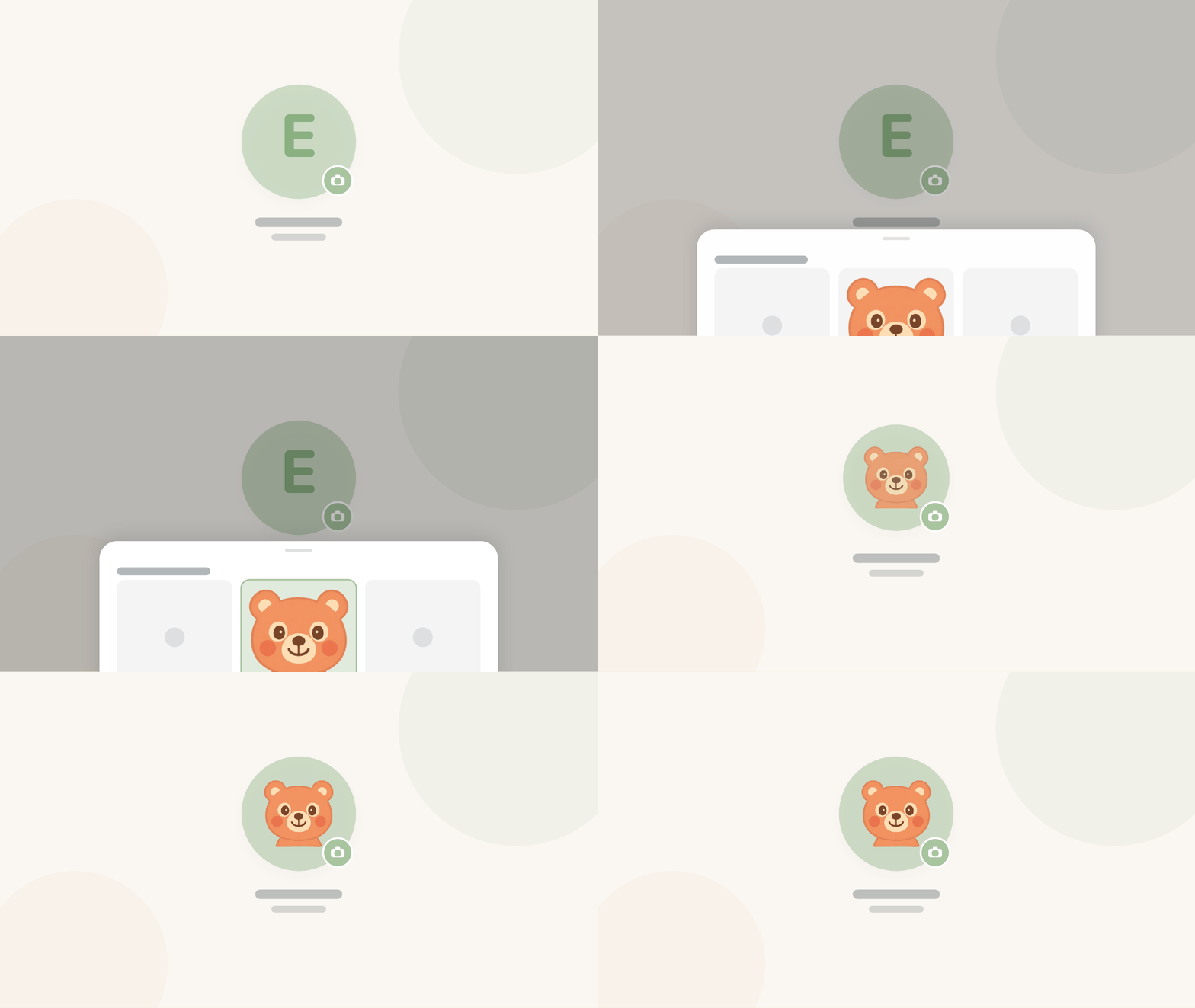
A photo for every face
Kids and caregivers can now show a real photo instead of just initials, wherever they show up in the app. Set one once, from Account or a child's settings, and it follows that person across Cleo. Initials are still there as a fallback if you skip it.
Insights and reports now match your time zone
If you ever noticed your insights graphs didn't quite match what you remembered about a day, this was probably why. The graphs and the pediatrician report were bucketing entries by UTC instead of your family's local time. If you're in Chicago and logged a bottle at 10pm, it now shows up on that night's column, not the next morning. The daily recap follows the same rule.
Improved
- Watch: logging now goes straight to the server with its own offline queue, so a tap saves instantly even if your phone is asleep or out of range.
- Cleanup: AI cleanup suggestions now show the entry right there on the review page, with one tap to apply the fix, delete it, or add what's missing.
- Insights: the Doctor tab is now Insights, with the pediatrician summary as its own view alongside it.
- Sleep: the wake-up buttons on your Lock Screen now confirm instantly instead of waiting on the network. Sleep logging on iOS also gained a notes field, matching what was already on web, useful for a nap in the car or a wake-up worth remembering.
- Daily recap: the nutrition section now looks at the past week as a whole, whether things are trending, holding steady, or a day looks like a meal got missed. More story, less list.
- Settings: the desktop sidebar can now collapse down to icons for more room.
- Billing: the upgrade button now shows a real error if something goes wrong, rather than quietly doing nothing.
- Icons: the bottle, diaper, and growth icons on the web app now match what iOS uses for the same entry types.
Fixed
- Sharing: caregiver links set to "never expires" couldn't log anything at all. Fixed, and the caregiver page now works on much older phones too, with a simple fallback form if the regular page can't load.
- Notifications: some accounts weren't getting "stay in the loop" pushes at all, silently. That's fixed, and it can't fail silently again.
- Timeline: an entry with a missing or odd time value could crash the whole timeline. It now just shows a dash instead.
- Settings: the birthday field overflowed its card on some phones, and the bottle icon in the timeline rendered oversized. Both are sized correctly now.
- Auth: fixed a bug where navigating quickly right after a page load could sign you out. Your data was always safe; only the session handling misbehaved.
- Auth: fixed the password-reset screen showing the full app navigation. It now opens as a clean, focused page like the sign-in screen.
Scott